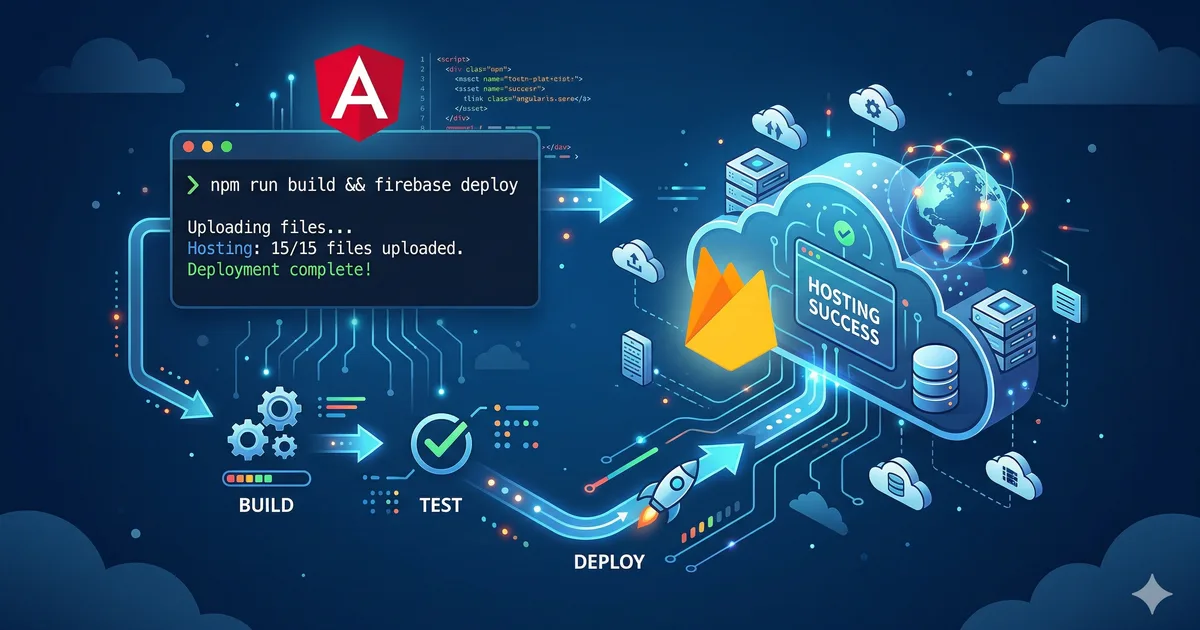

Why Firebase Hosting
Firebase Hosting is one of the best options for deploying Angular applications, especially if you already use other Firebase services like Authentication or Firestore. It offers:
- Global CDN: Your app is served from the nearest node to the user
- Free SSL: Automatic HTTPS certificates
- Atomic deploy: Changes are published instantly
- Preview channels: Temporary URLs to review changes before production
- Generous free plan: 10 GB of storage and 360 MB/day of transfer
At Bemorex we use Firebase Hosting for all our Angular projects, including this very platform.
Prerequisites
Before starting, make sure you have:
- Node.js 22 or higher installed
- A Google account
- A working Angular project
- A project created in the Firebase console
Step 1: Install and configure Firebase CLI
The first step is to install Firebase CLI and authenticate. Run the commands from the first code block of this article.
When running firebase init hosting, the CLI will ask you several questions. The most important is the public directory: for Angular, this is dist/project-name/browser (the exact path depends on your configuration in angular.json).
Step 2: Configure firebase.json
The firebase.json file is the heart of your hosting configuration. The key settings are:
Rewrites for SPA
Angular is a Single Page Application. You need all routes to redirect to index.html so Angular's router handles navigation. This is achieved with the rewrite "source": "**".
Cache headers
Static assets (JS, CSS, images) should have aggressive caching because Angular adds a hash to the filename. When the content changes, the hash changes and the browser downloads the new version. But index.html should never be cached so it always points to the most recent assets.
Step 3: Production build
Before deploying, you need to generate the production build:
ng build --configuration productionThis command generates optimized files in the dist/ folder. Verify that the output includes:
- Minified JavaScript files with hashes
- Bundled and minified CSS
index.htmlwith correct references- Copied assets (images, fonts, etc.)
Step 4: Manual deploy
For your first deploy, do it manually:
firebase deploy --only hostingFirebase will give you the URL where your app is available (usually https://your-project.web.app). Open the URL and verify everything works correctly.
Post-deploy verification
After each deploy, verify:
- The app loads correctly at the Firebase URL
- Navigation between routes works (refresh on a route other than
/) - Images and assets load correctly
- The browser console shows no errors
- Firebase services (Auth, Firestore) connect correctly
Step 5: Preview channels
Preview channels are a powerful feature that lets you deploy temporary versions of your app for review:
firebase hosting:channel:deploy preview-feature-xThis creates a temporary URL like https://your-project--preview-feature-x-abc123.web.app that expires automatically after 7 days. It is ideal for:
- Reviewing pull requests before merging
- Showing progress to clients
- Testing changes in a real environment without affecting production
Step 6: CI/CD with GitHub Actions
Manual deploy is fine for getting started, but an automated pipeline is the professional approach. Set up GitHub Actions to deploy automatically every time you push to main.
Workflow configuration
Create the file .github/workflows/firebase-hosting.yml with the content from the GitHub Actions code block shown above.
Configure secrets
In your GitHub repository, go to Settings > Secrets and variables > Actions and add:
- FIREBASE_SERVICE_ACCOUNT: The JSON key of your Firebase service account. You can generate it with:
firebase init hosting:githubThis command automatically configures the service account and the GitHub Actions workflow.
Step 7: Custom domain
Firebase Hosting allows you to configure custom domains for free:
- Go to the Firebase console > Hosting > Add custom domain
- Enter your domain (e.g.,
myapp.com) - Firebase will give you DNS records to configure
- Configure the A records in your domain provider
- Wait for verification (can take up to 24 hours)
- Firebase automatically provisions an SSL certificate
Additional optimizations
Automatic compression
Firebase Hosting automatically compresses with Brotli and Gzip. You do not need to do anything special.
Security headers
Add security headers in firebase.json:
{
  "source": "**",
  "headers": [
    { "key": "X-Content-Type-Options", "value": "nosniff" },
    { "key": "X-Frame-Options", "value": "DENY" },
    { "key": "X-XSS-Protection", "value": "1; mode=block" },
    { "key": "Referrer-Policy", "value": "strict-origin-when-cross-origin" }
  ]
}
Redirects
If you change URL structure, configure redirects to preserve SEO:
{
  "redirects": [
    {
      "source": "/blog-antiguo/:slug",
      "destination": "/blog/:slug",
      "type": 301
    }
  ]
}
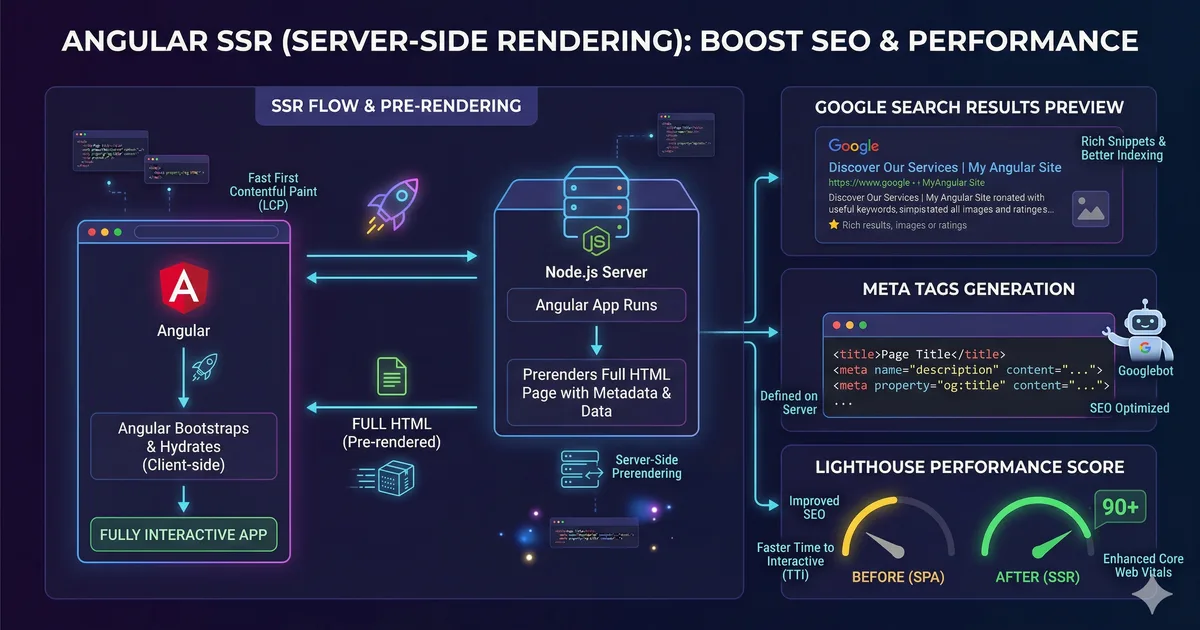
Firebase Hosting with SSR
If your Angular app uses Server-Side Rendering, the configuration is different. Instead of a static site, you need Cloud Functions or Cloud Run:
ng add @angular/fireThis schematic automatically configures:
- Cloud Functions for SSR
firebase.jsonwith rewrites to the function- Build script that generates the server bundle
Keep in mind that SSR with Firebase requires the Blaze plan (pay as you go), since Cloud Functions is not available on the free Spark plan.
Common troubleshooting
The app shows a blank page
- Verify that
publicinfirebase.jsonpoints to the correct directory - Make sure
index.htmlexists in that directory - Check the browser console for loading errors
Routes return 404 on refresh
- The SPA rewrite is missing in
firebase.json - Verify the destination is
/index.html
Changes are not reflected
- Clear the browser cache
- Verify the deploy finished successfully with
firebase hosting:channel:list
Conclusion
Firebase Hosting is a robust, fast, and economical solution for deploying Angular applications. With automated CI/CD, preview channels, and custom domain support, you have everything you need for a professional deploy workflow without managing servers.
The natural next step is to explore other Firebase services (Auth, Firestore, Analytics) to build complete applications with a single ecosystem.
Comments (0)
Sign in to comment