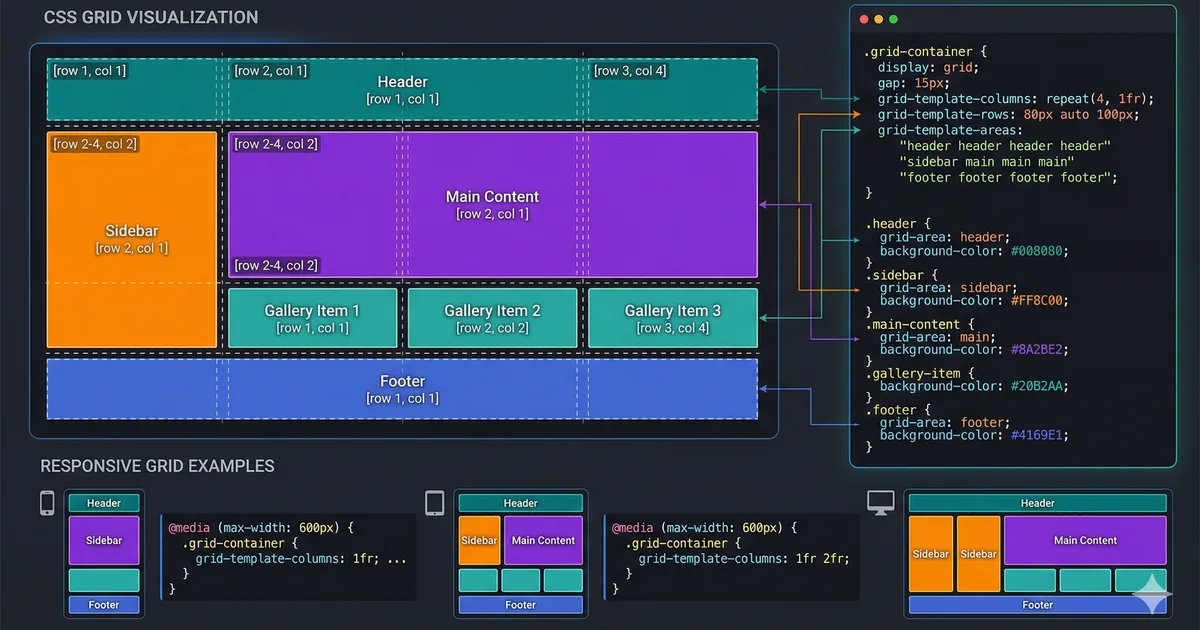

What is semantic HTML?
Semantic HTML consists of using HTML tags according to their meaning, not their visual appearance. While a <div> is a generic container with no meaning, an <article> explicitly communicates that its content is an independent article.
This distinction, which may seem subtle, has profound consequences for accessibility, SEO, code maintenance, and user experience.
The three pillars of semantic HTML
1. Accessibility
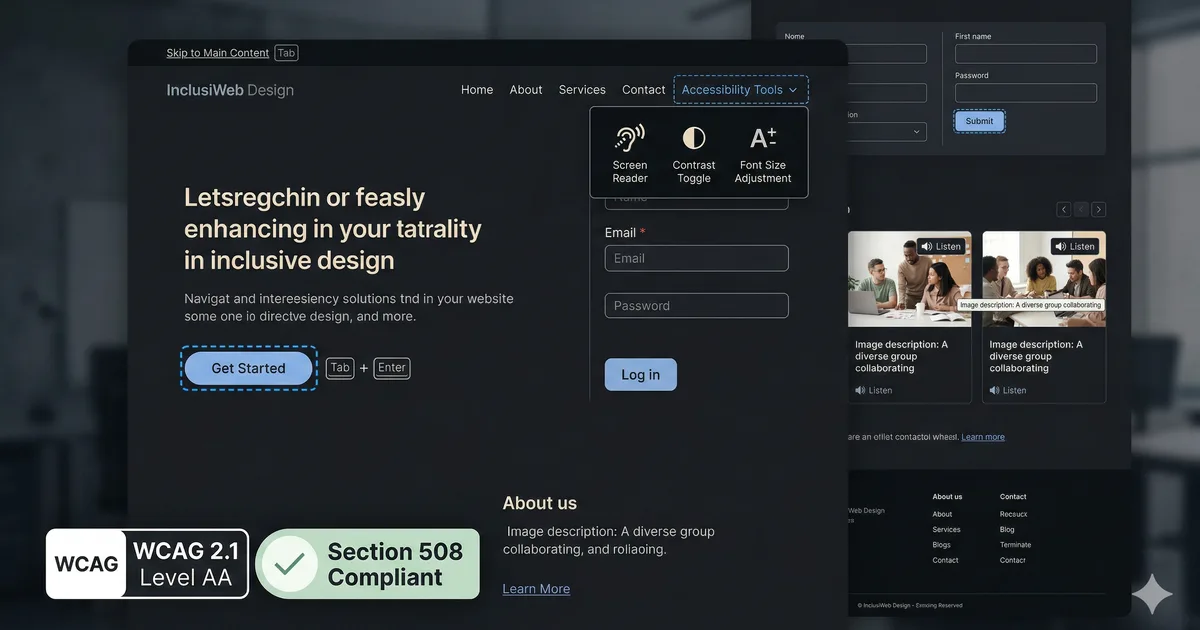
Screen readers depend on semantic HTML to interpret and navigate a page. When you use semantic tags correctly:
- Users can jump between sections using landmarks (
header,nav,main,footer) - Lists (
<ul>,<ol>) are announced with their item count - Headings (
<h1>to<h6>) create a navigation tree - Forms are interpretable thanks to
<label>,<fieldset>, and<legend>
<!-- Without semantics: the screen reader says "text: Submit" -->
<div class="btn" onclick="submit()">Enviar</div>

<!-- With semantics: the screen reader says "button: Submit form" -->
<button type="submit">Enviar formulario</button>
The difference is dramatic. The <button> is keyboard-reachable, activatable with Enter or Space, and correctly announced by assistive technologies. The <div> does none of this by default.
2. SEO
Search engines use semantic structure to:
- Identify the main content (
<main>) - Extract the article title (
<h1>) - Understand the topic hierarchy (
<h2>,<h3>) - Index dates (
<time datetime="...">) - Recognize navigation lists (
<nav>) - Identify the author (
<address>)
Google has repeatedly confirmed that well-structured HTML improves content understanding and can positively impact ranking.
3. Maintenance
A document with semantic tags is self-documenting. Any developer reading the markup understands the page structure without needing to review the CSS styles.
Semantic elements you should use more
Section elements
| Element | Correct usage |
|---|---|
<header> |
Page or section header |
<nav> |
Primary or secondary navigation |
<main> |
Main content (one per page) |
<article> |
Independent, redistributable content |
<section> |
Thematic grouping with a heading |
<aside> |
Tangentially related content |
<footer> |
Page or section footer |
Text elements
<!-- Semantic emphasis -->
<p>This function is <em>extremely</em> important.</p>
<p><strong>Warning:</strong> this action cannot be undone.</p>

<!-- Quotes -->
<blockquote cite="https://developer.mozilla.org">
  <p>Semantic HTML improves the accessibility of web pages.</p>
</blockquote>

<!-- Inline code -->
<p>Use <code>grid-template-columns</code> to define columns.</p>

<!-- Time -->
<time datetime="2026-03-06T10:00:00-04:00">March 6, 2026</time>

<!-- Abbreviations -->
<abbr title="Hypertext Markup Language">HTML</abbr>
The `` element for collapsible content
Instead of implementing an accordion with JavaScript, you can use native HTML:
<details>
  <summary>How to install Node.js?</summary>
  <p>Download the installer from <a href="https://nodejs.org">nodejs.org</a>
     and follow the instructions for your operating system.</p>
</details>
This works without JavaScript, is accessible by default, and styleable with CSS.
The `
<dialog id="confirm-dialog">
  <h2>Confirm action</h2>
  <p>Are you sure you want to continue?</p>
  <form method="dialog">
    <button value="cancel">Cancel</button>
    <button value="confirm">Confirm</button>
  </form>
</dialog>
The <dialog> element automatically handles focus trapping, the Escape key, and the backdrop.
Common mistakes to avoid
1. Using `` for everything
<!-- Bad -->
<div class="button" onclick="save()">Guardar</div>

<!-- Good -->
<button type="button" onclick="save()">Guardar</button>
2. Skipping heading levels
<!-- Bad: jumps from h1 to h4 -->
<h1>My blog</h1>
<h4>First article</h4>

<!-- Good: correct hierarchy -->
<h1>My blog</h1>
<h2>First article</h2>
3. Using `
` for spacing
<!-- Bad -->
<p>First paragraph</p>
<br><br>
<p>Second paragraph</p>

<!-- Good: use CSS for spacing -->
<p>First paragraph</p>
<p>Second paragraph</p>
4. Navigation lists without `
<!-- Bad -->
<div class="nav">
  <a href="/">Home</a>
  <a href="/about">About</a>
</div>

<!-- Good -->
<nav aria-label="Main">
  <ul>
    <li><a href="/">Home</a></li>
    <li><a href="/about">About</a></li>
  </ul>
</nav>
Quick checklist
Before publishing any page, verify:
- There is a single
<main>per page - Headings follow a logical hierarchy without gaps
- Interactive buttons are
<button>, not<div>or<span> - Images have descriptive
alt(oralt=""if decorative) - Forms use
<label>associated with each input - Lists of items use
<ul>or<ol> - Dates use
<time datetime="..."> - Navigation uses
<nav>witharia-label
Validation tools
- axe DevTools (browser extension): detects accessibility issues
- W3C Markup Validator: validates HTML structure
- Lighthouse: audits accessibility, SEO, and best practices
- WAVE: web accessibility evaluator
Conclusion
Writing semantic HTML is not extra effort, it is the correct way to build for the web. Every meaningful tag you use improves the experience of all your users, makes it easier for search engines, and makes your code clearer for your team. In 2026, with the growing importance of accessibility and SEO, semantic HTML is more relevant than ever.

Comments (0)
Sign in to comment